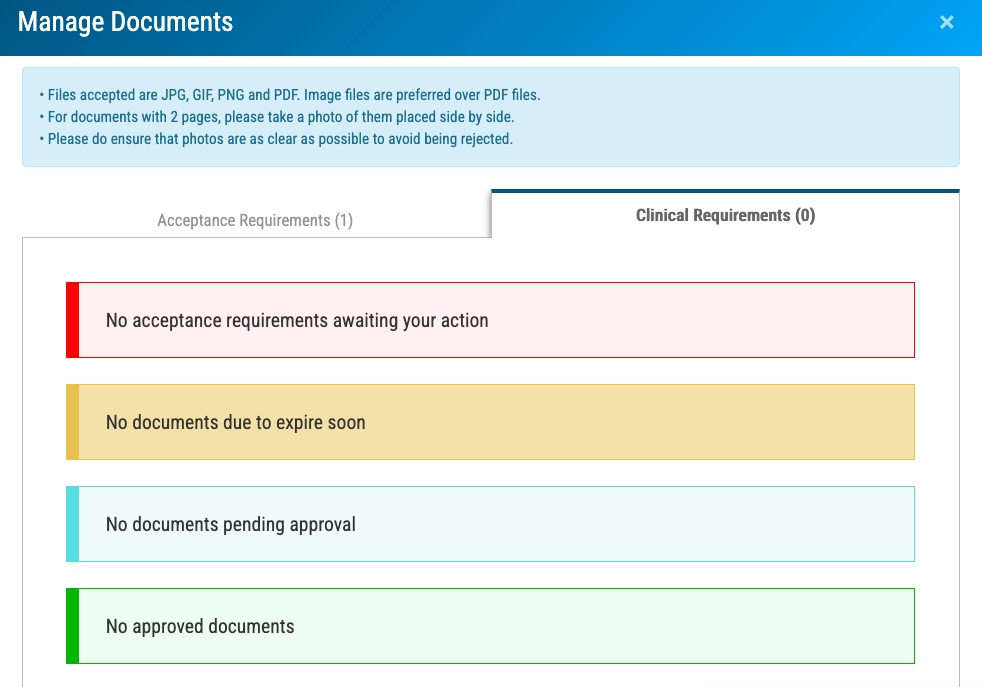
Uploading PreAdmission and PreClinical Requirements
Welcome to EMS School! Here, we will help you get all of your PreAdmission and PreClinical documents uploaded to your faculty.
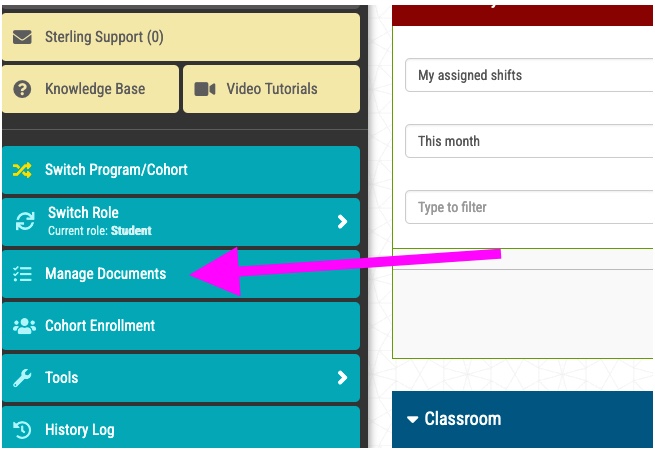
Click the Manage Documents button on the left-hand toolbar.
You will first be taken to a page where you can pay your fee or put in your coupon code.
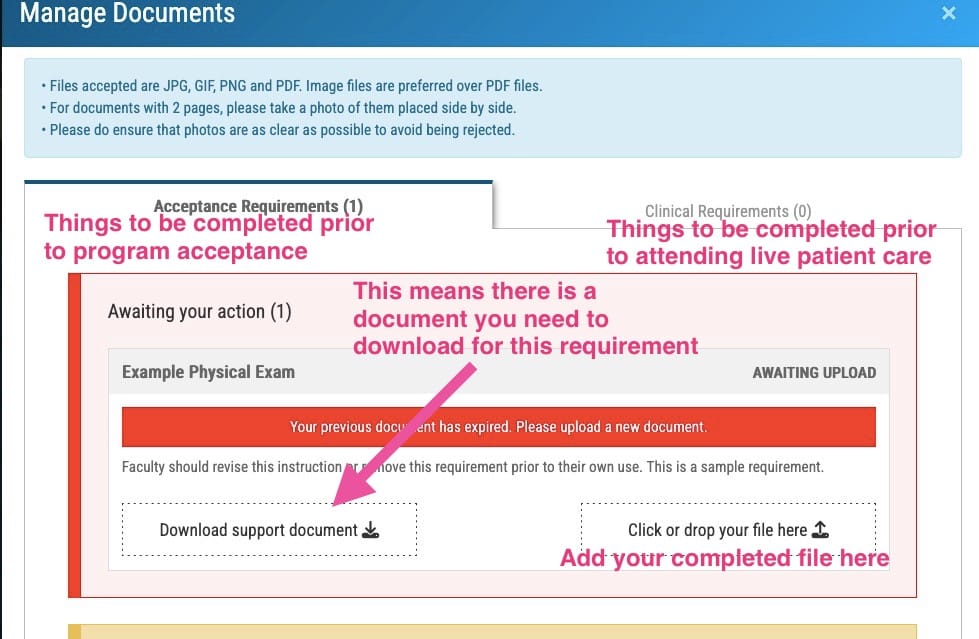
Then, you will see two tabs: one for PreAdmission and one for Clinical. Look for the Items Awaiting Your Action and follow the written instructions to complete each item.
Some items will require you to download a document (such as a Physical Exam Form) which you’ll complete and upload back for faculty review.
All Immunizations on One Record
Some items will just be an upload (example: shot records).
If all of your records are on one document, make screenshots and mark the relevant shot for each requirement. Then, upload the marked version to help faculty easily identify which item on the record satisfies the requirement.
Completion/Ongoing
Once you’ve completed all the items, your interface will note Nothing awaiting your action and a number of items Pending Approval. We will notify you via email should anything need revision.