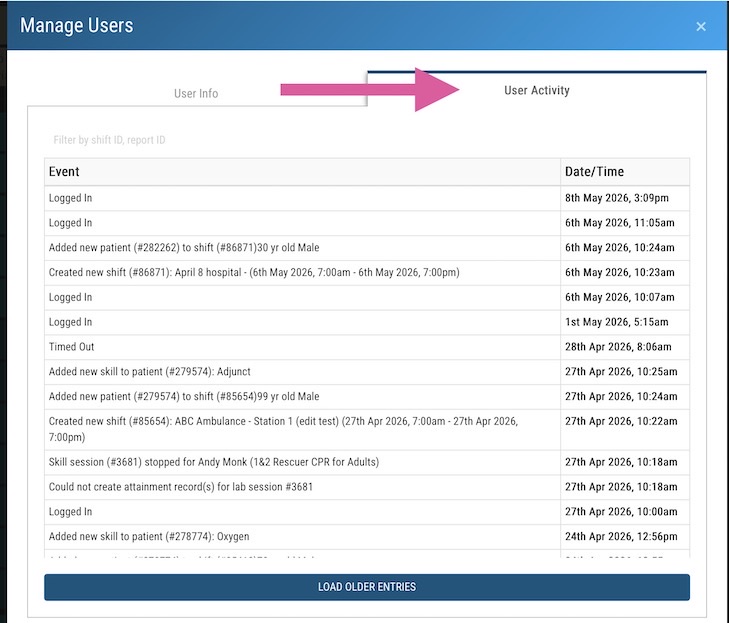
Students can view their User History. Faculty have access to all user history records.
Students:
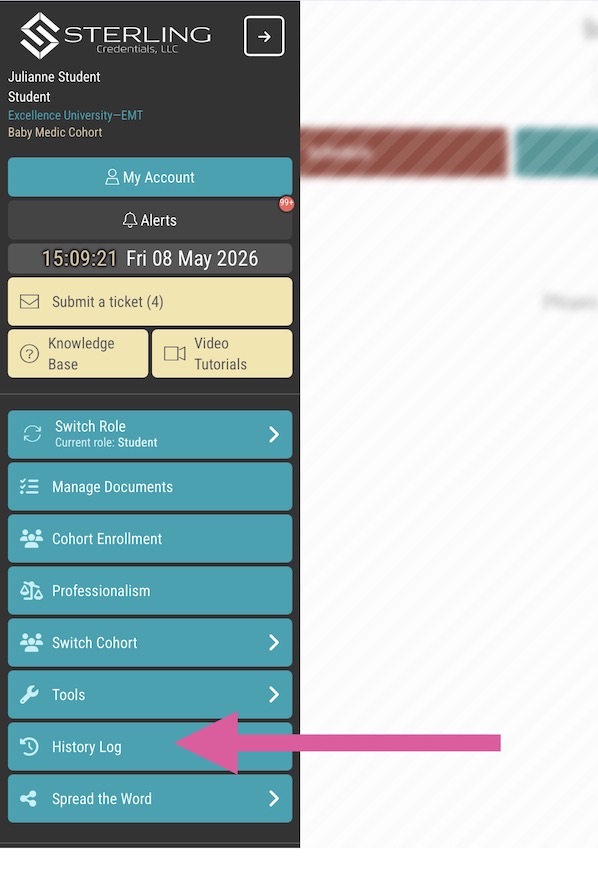
In the toolbar on the left-hand side, find the button marked History Log. This will bring up your actions within the platform and is precisely what your faculty can see.
Faculty:
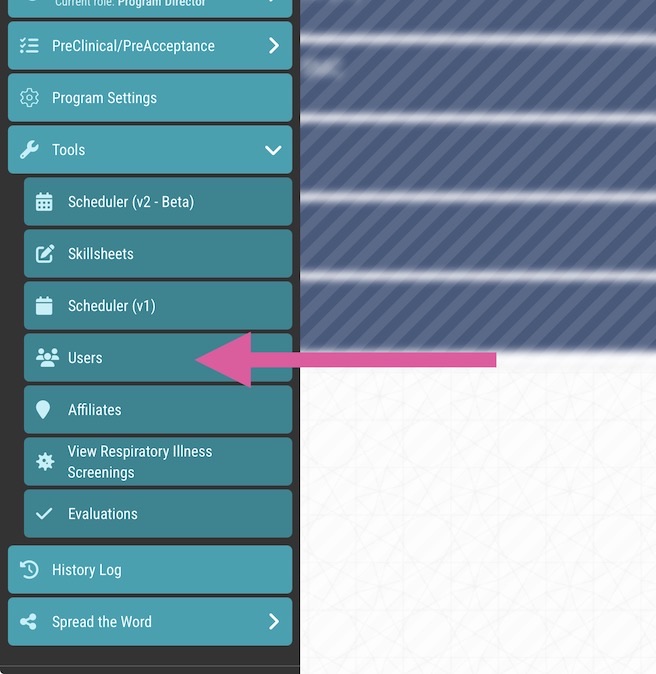
In the position of any faculty member besides Adjunct, navigate to the Users tool.
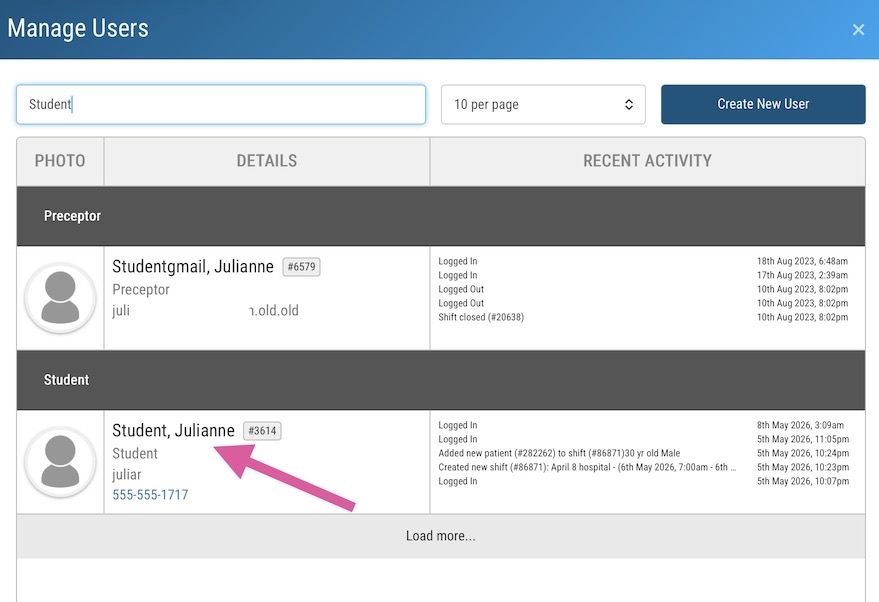
Search for the user of interest and then click on/near their name:
Click the tab on the right to pull up the User Activity list.